8 min read
How to Read Bad Handwriting: 7 Ways to Decipher Messy Writing
Learn how to read bad handwriting by comparing repeated letter shapes, improving the image, using context carefully, and checking an OCR transcription.
On this page
To read bad handwriting, begin with the clearest words, learn the writer's repeated letter shapes, and test uncertain words against both visible strokes and the surrounding sentence. Work from a sharp photo, preserve the original page, and mark uncertainty instead of inventing an answer. An OCR tool can create a first pass quickly, but you should read its draft beside the source.
Why bad handwriting is hard to read
Bad handwriting is rarely hard to read for just one reason. Letters may be joined, shortened, tilted, or written differently each time. Fast writers often omit parts of a stroke, while faded ink and phone-camera blur create a poor image that hides one letter from another. The page may also contain abbreviations, corrections, arrows, or specialist terms that make bad handwriting harder to read reliably.
Trying to read bad handwriting letter by letter often fails. To read it better, combine the writer's habits, whole-word shape, sentence position, and page structure. Compare each clue with the others; one weak clue should not control the final reading.
Writer variation
Compare how one person forms a letter at the beginning, middle, and end of words.
Joined strokes
Several cursive letters can merge into one connected shape with few obvious boundaries.
Bad source quality
Blur, shadows, faded ink, bleed-through, and compression can remove details needed to interpret writing.
Unfamiliar context
Names, shorthand, historical spelling, and technical vocabulary can make an otherwise plausible reading incorrect.
Seven ways to read bad handwriting
- 01
Find an anchor word
Start with a date, heading, label, or short word that provides known letter shapes.
- 02
Build a personal alphabet
Compare confirmed letters across the page and record how this writer forms capitals, loops, joins, and final strokes.
- 03
Read the whole word shape
Check length, tall letters, descenders, openings, and endings before isolating individual characters.
- 04
Look for repeated endings
Compare repeated endings such as -ing, -ed, and -tion; one clear example can unlock an unclear word.
- 05
Separate image problems from writing problems
Identify poor focus or missing strokes that interpretation cannot recover with certainty.
- 06
Use context as a test
Test a likely word against grammar and subject, but reject a weak match for its length, first letter, ending, or shapes.
- 07
Mark unresolved text
Mark uncertain letters with brackets or [unclear]. Leave a visible gap when the source does not support a confident transcription.
Move back and forth between these methods. Use an anchor word to reveal a capital, then find the same lettering in a name elsewhere. A repeated ending can turn a vague word shape into a small set of possibilities. Revisit uncertain words as you learn more about the writer's habits.
Worked example: compare repeated words on one page
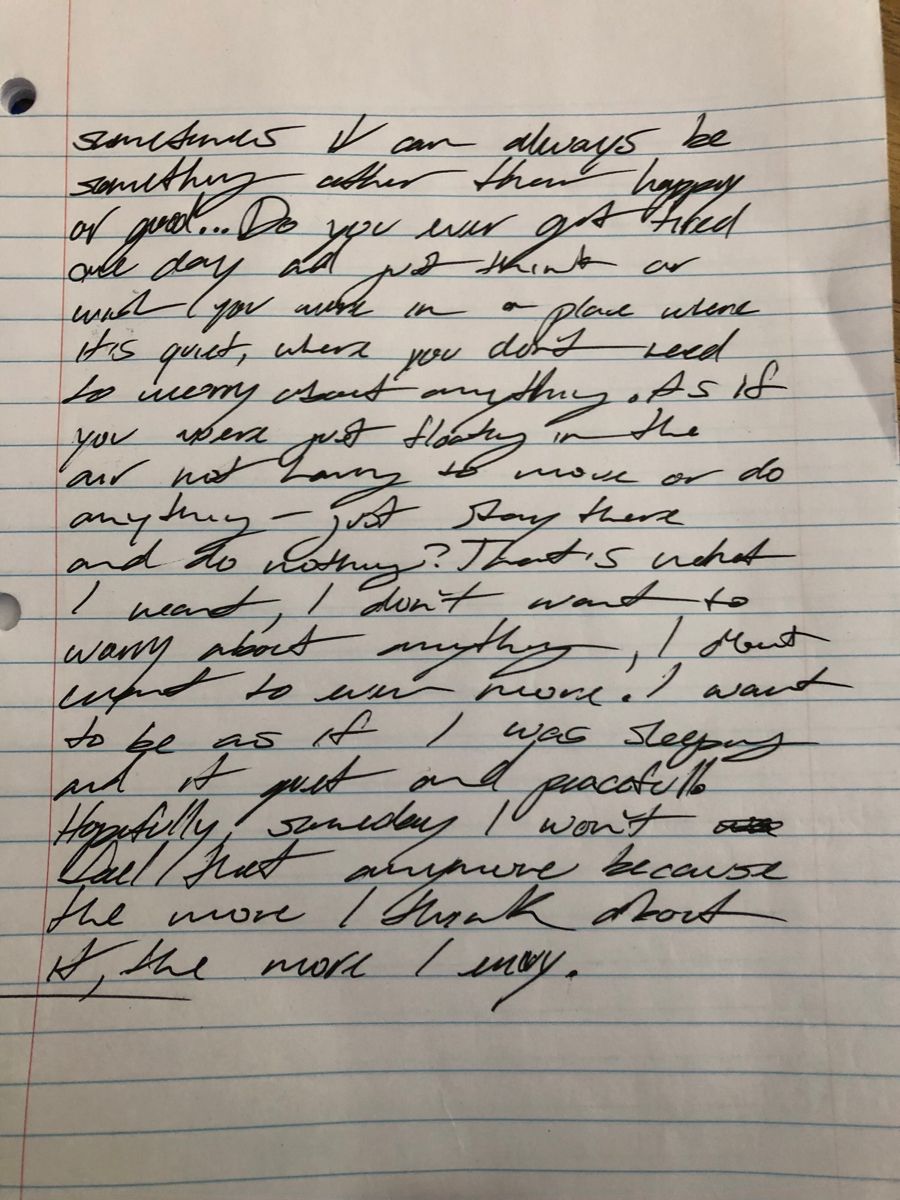
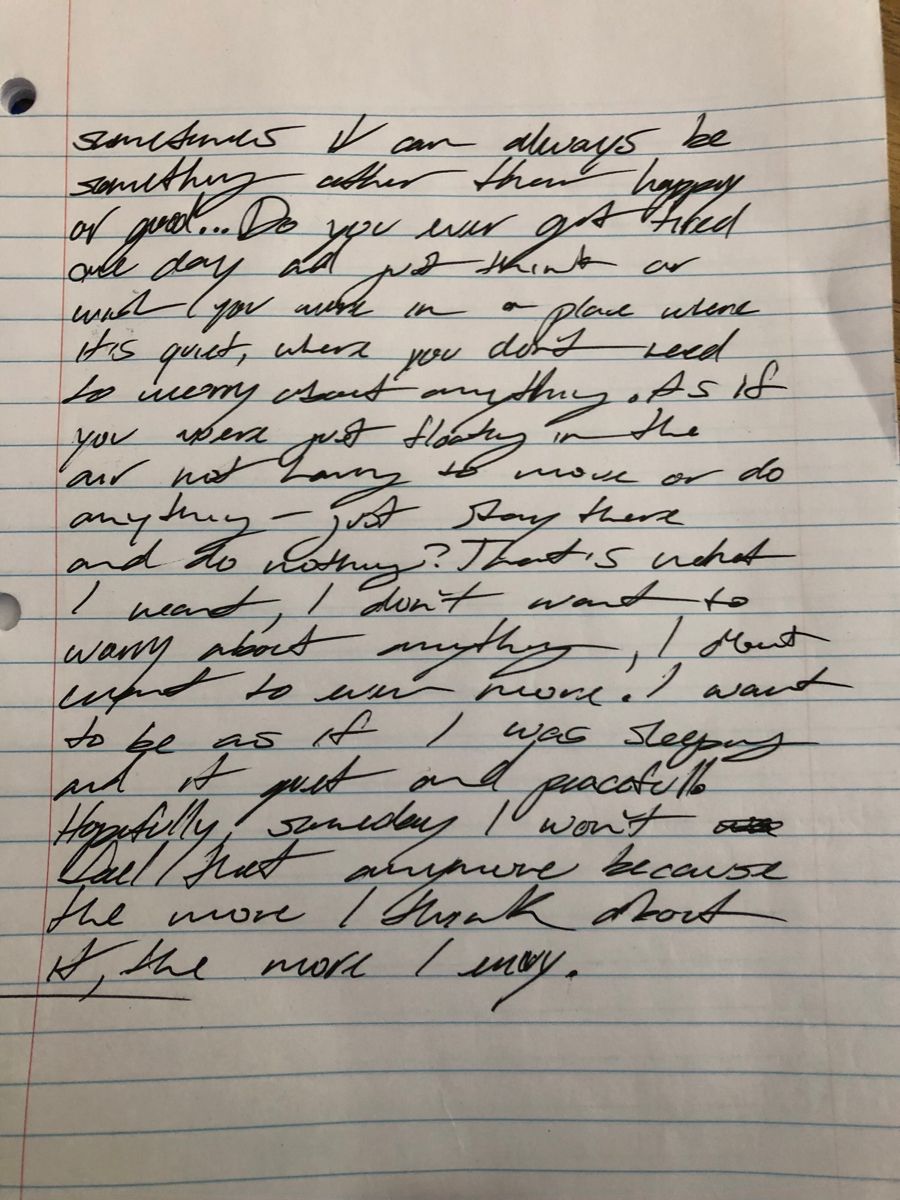
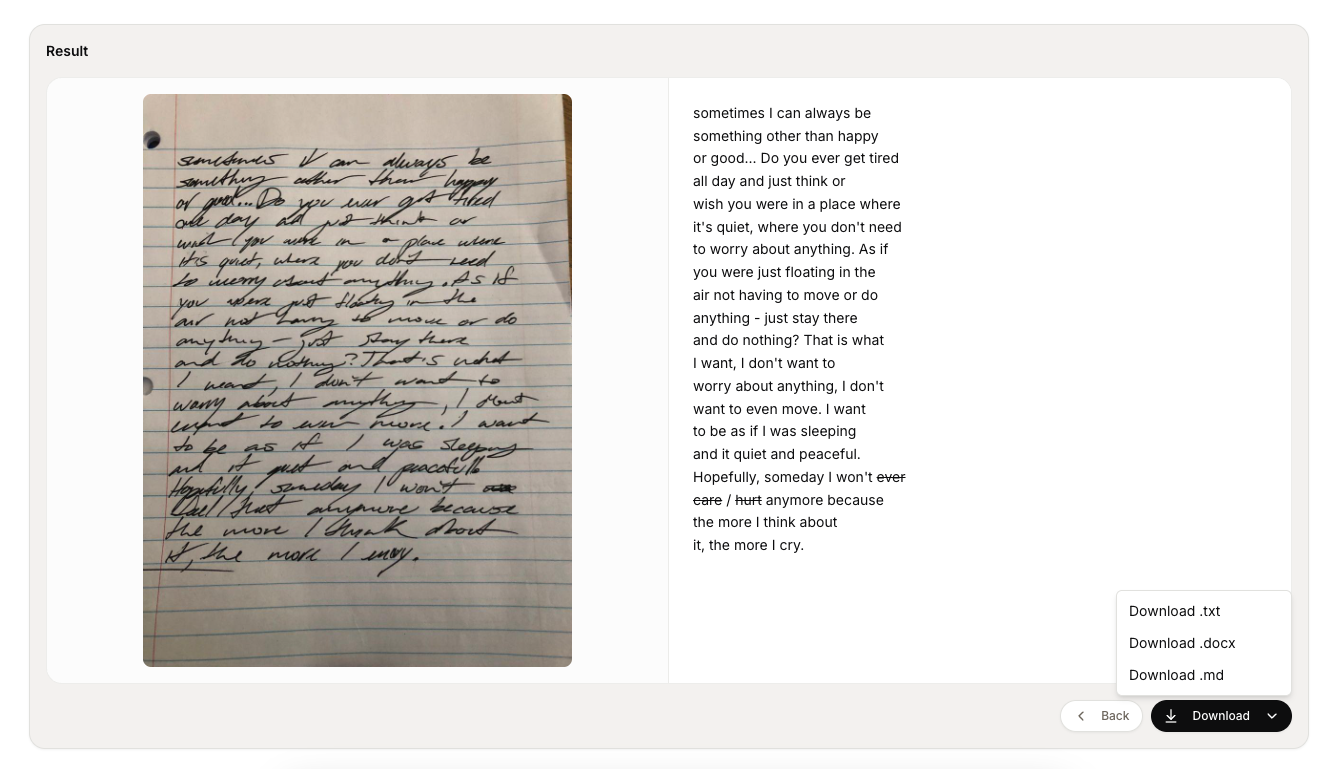
In the notebook sample below, the words want and worry appear more than once. Compare their shapes across the page before tackling a less familiar word. These are manual reading examples, not a record of the tool's unedited output.
| Word to compare | Where to look | What to check |
|---|---|---|
| want | The lines beginning I don't want and I want to be. | Compare the opening w and the final t across both occurrences, keeping the whole word in view. |
| worry | The phrases to worry about anything and worry about anything farther down the page. | Compare the joined middle letters and the descending final y rather than guessing from the sentence alone. |
Repeated words give you evidence about this writer, but they do not resolve every line. If a different word is still unclear, keep the confirmed letters and mark the rest with brackets. Do not fill a gap merely because a phrase sounds natural.
Prepare the image before reading
First, make sure the image itself is not creating the difficulty. Use the original photo or scan rather than a compressed screenshot. Correct a skewed angle, level the lines, and crop background without cutting off words, margins, or long letter strokes.
| Problem | Helpful adjustment | Avoid |
|---|---|---|
| Faint ink | Raise contrast gently while preserving thin strokes and paper texture. | Threshold filters that turn light letters into empty gaps. |
| Blurred photo | Retake the photo with the camera parallel to the page. | Artificial sharpening that creates edges the writer never made. |
| Curved page | Flatten the sheet to inspect writing in smaller sections from above. | Guessing at distorted letters near a book spine. |
| Bleed-through | Reduce shadows, then compare the text with the untouched image. | Overcorrection that removes background, punctuation, or strokes. |
Keep the evidence
How to read bad handwriting step by step
The following workflow uses the online handwriting reader and decoder to turn bad handwriting into a reviewable first draft. It follows the same upload, conversion, and comparison structure used across Cursive Reader.
1. Upload the clearest source
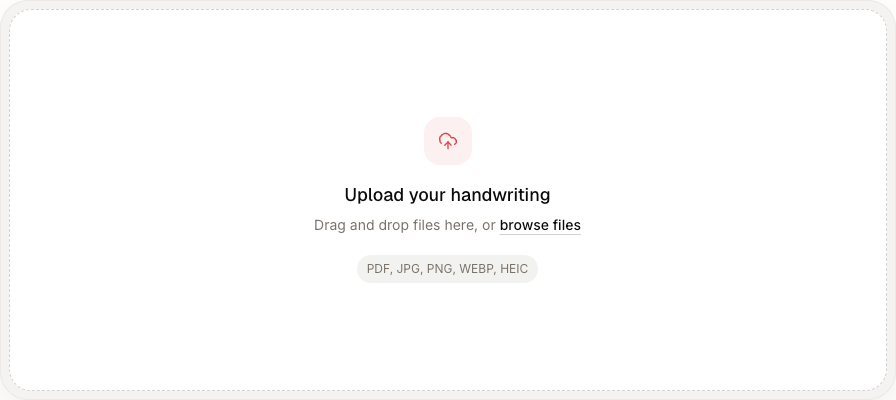
Drag a PDF, JPG, PNG, WebP, or HEIC file into the upload area, or select browse files. Before uploading, correct rotation, blur, shadows, and cropped lines. If the source is a phone photo, the handwriting image to text workflow can help you prepare and read the handwriting as a single image.
2. Convert the bad handwriting
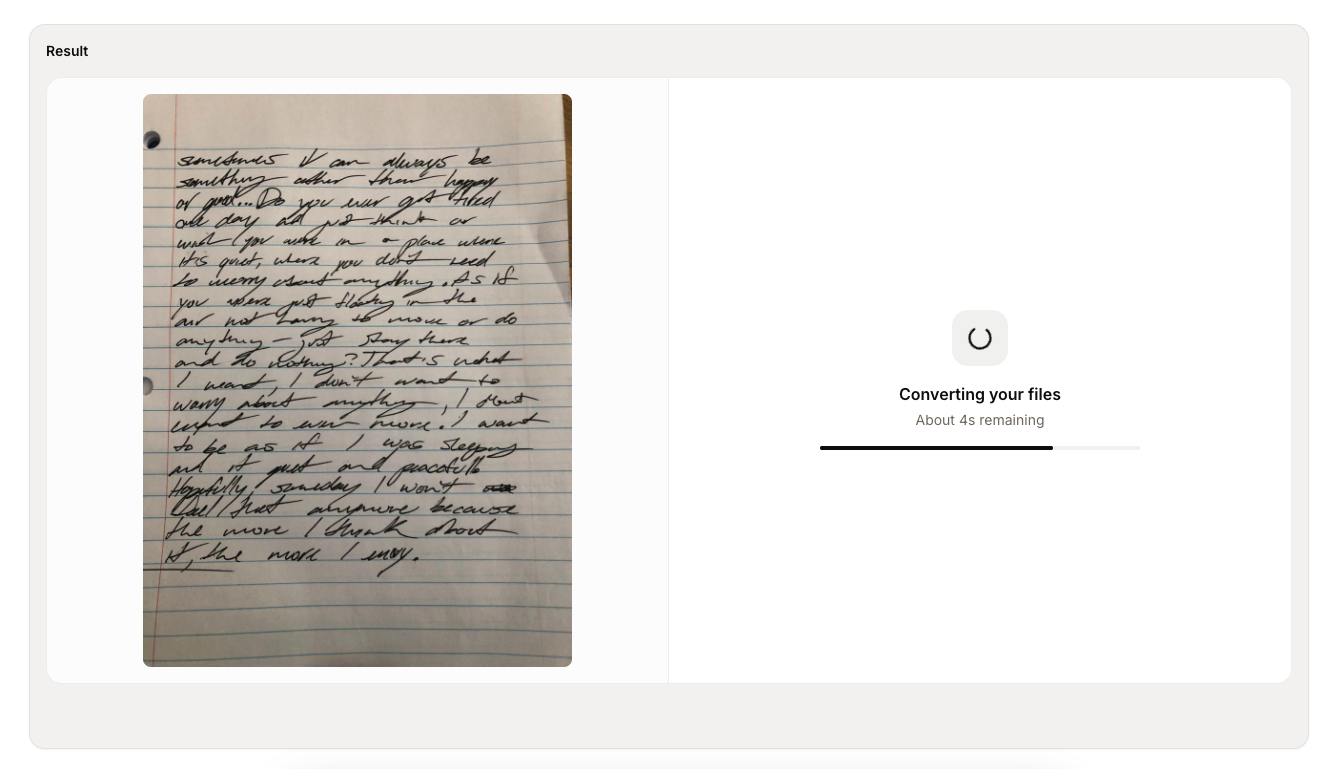
Wait for the file preview to appear, remove any incorrect file, and select Convert. The workspace keeps the original handwriting visible while the reader processes it. Keep the page open until editable text replaces the processing state; a longer PDF may take more time.
3. Read and verify the transcription
Compare the digital text with the original line by line. Check names, dates, quantities, negatives, and words written over folds or corrections. Fix repeated OCR errors, mark genuinely uncertain handwriting, and export only after the important details agree with the source.
Have a difficult page?
Turn messy handwriting into a reviewable draft
Upload a photo or PDF, compare the transcription with the original, and export the corrected text.
Frequently asked questions
- How can I read bad handwriting more accurately?
Start with words you recognize, study repeated letters and endings, and check possible readings against the visible strokes. Keep uncertain words marked until the source supports a defensible reading.
- Can OCR read bad handwriting?
OCR can create a useful first draft from a sharp, evenly lit image. Compare names, dates, numbers, and unclear words with the source because recognition tools can misinterpret personal letterforms.
- How do I make bad or faint handwriting easier to read?
Use the original high-resolution image, correct a bad page angle, and raise contrast gently. Compare the adjusted image with the untouched copy. Avoid aggressive black-and-white filtering because it can erase dots, punctuation, and faded strokes.
- What if one word in bad handwriting is impossible to read?
Record the letters you can defend, mark the unknown section with brackets, and compare repeated shapes elsewhere. Revisit the word after checking the paragraph rather than accepting the first plausible guess.
- Can I read bad cursive and print handwriting?
Yes. Cursive Reader can read bad handwriting in cursive, print, or mixed styles from PDF, JPG, PNG, WebP, and HEIC files. Read the editable transcription beside the original before you export it.
Continue with your document type
Working with a scan of several pages? Follow the handwritten PDF OCR guide to check page order and review each transcription. For everyday notebook pages, see the handwritten notes guide.