
Full document support
Upload PDF files with multiple handwritten pages and process the full document in one workflow.
Upload a handwriting PDF and turn each page into editable digital text. Cursive Reader processes handwritten PDF files such as letters, notebooks, field notes, and archived documents, then gives you clean text you can copy or export.
Handwritten PDFs can be harder to process than printed documents. Cursive Reader is designed to work through handwritten content across every page in a PDF file.
Upload PDF files with multiple handwritten pages and process the full document in one workflow.
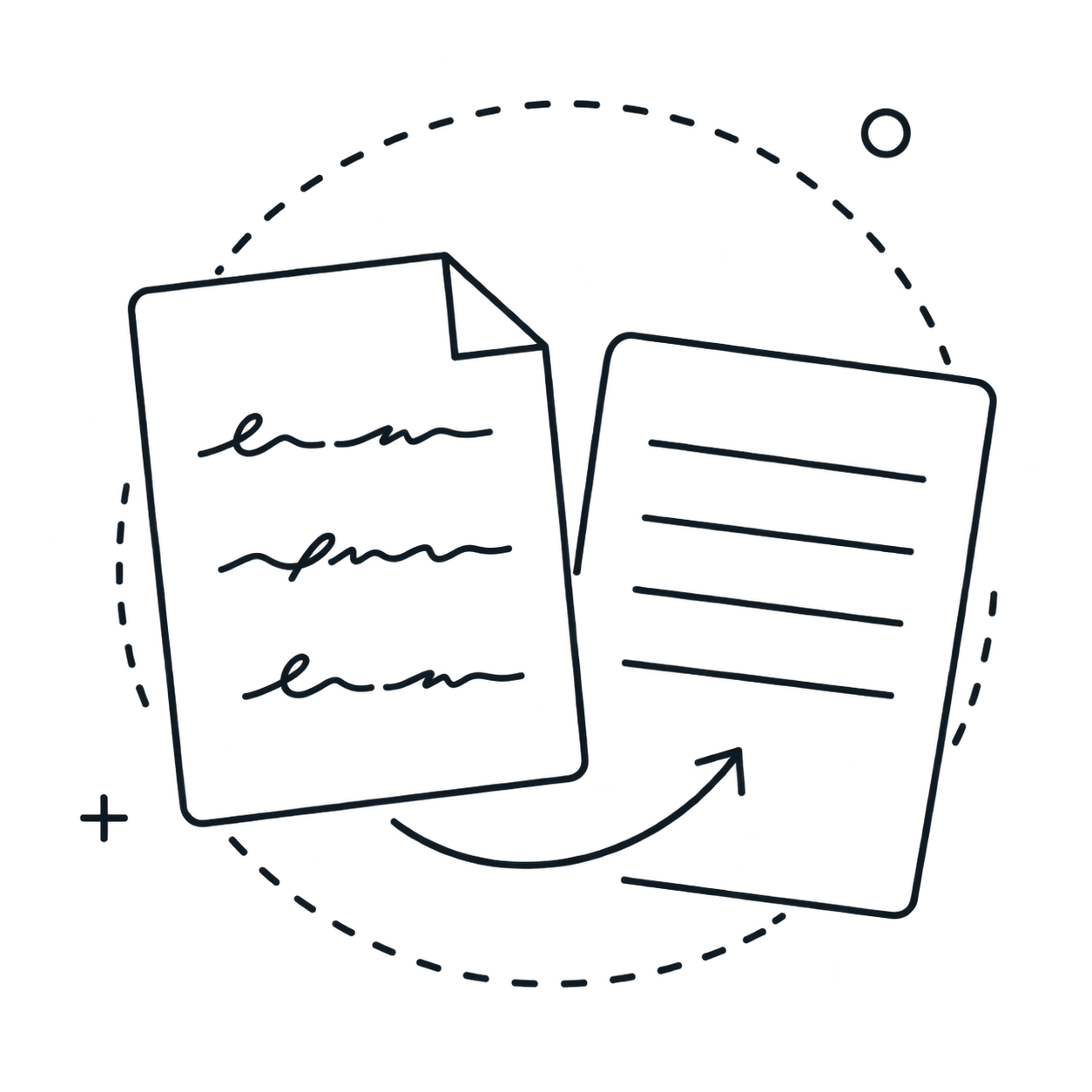
Process cursive writing, print handwriting, or PDF files that contain a mix of different handwriting styles.

Works with scanned handwritten PDFs created from physical documents, along with PDF files made from phone captures.
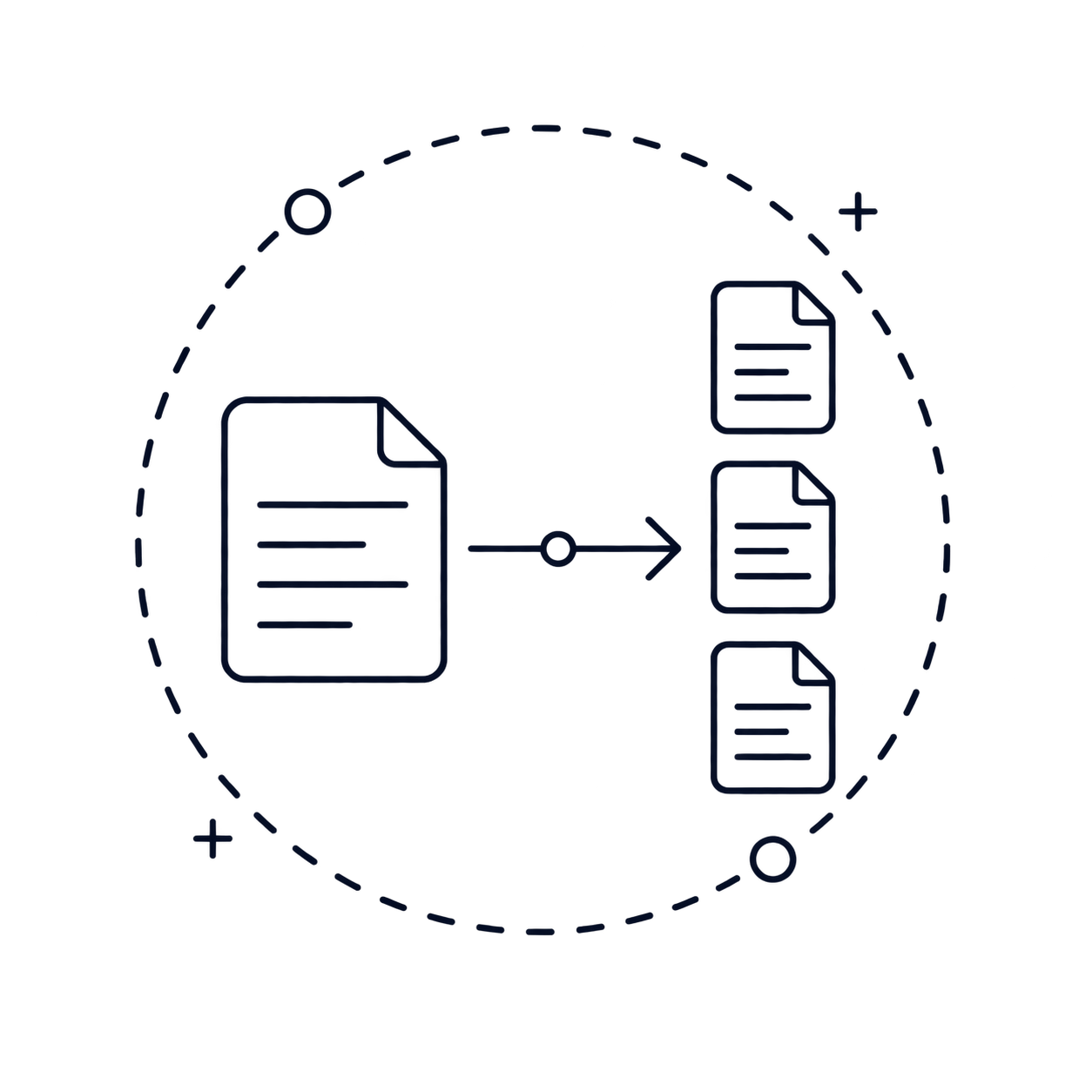
Download the extracted text as TXT, Markdown, Word, or Excel depending on how you want to use it next.
Convert a handwriting PDF into editable text in three simple steps.
Select and upload the PDF file that contains the handwritten pages you want to convert.
Cursive Reader reads the handwriting across the document and creates digital text from each page.
Check the output, then copy it directly or export it in the format that works best for you.
Useful when handwritten content is already stored as a PDF and needs to become editable text that is easier to search, review, or reuse.
Convert PDF files of handwritten letters or journals into digital text so they are easier to keep, search, and revisit later.
Turn handwritten study notes saved as PDF files into editable text so the content is easier to organize and review.
Bring handwritten meeting notes stored in PDF format into digital text that is easier to store, update, and share.
Capture handwritten details from PDF files of forms and receipts so the information can be reused without typing it again.
Use PDF files created from phone captures to turn handwritten pages into readable digital text without extra manual work.
Convert older handwritten materials saved as PDF files into searchable text so they are easier to preserve and work with over time.
Common questions about converting handwriting PDF files to text.
Upload a handwritten PDF and get clean editable text from every page.