Collections contain many writing systems
Different writers, periods, languages, abbreviations, and letterforms can appear within the same archive or project.
Upload archive scans, field notes, manuscripts, interviews, or historical records and create an editable first transcription. Search and organize source material without starting every page from scratch.
The difficulty is not limited to reading a script. Researchers must also preserve source context and distinguish transcription from interpretation.
Different writers, periods, languages, abbreviations, and letterforms can appear within the same archive or project.
Faded scans, bleed-through, page curvature, marginal notes, and mixed printed layouts make extraction uneven across a collection.
A mistaken name, date, quantity, or place can affect coding, comparison, citation, and the conclusions drawn from a source.
Move source material into a digital workflow while keeping the original page available for verification.

Process connected cursive, irregular letterforms, and older handwritten documents from archive collections.
Digitize interviews, field observations, notebooks, and annotated source material.
Use individual archive images or keep longer document sets together in a multi-page PDF.
Copy or download the text for search, coding, comparison, cataloging, or writing notes.
Create editable drafts from the document types researchers encounter in archives, fieldwork, interviews, and working collections.
Convert letters, manuscripts, and institutional papers into text that can be searched and annotated. Keep page markers in the draft so every passage remains traceable to the scan.
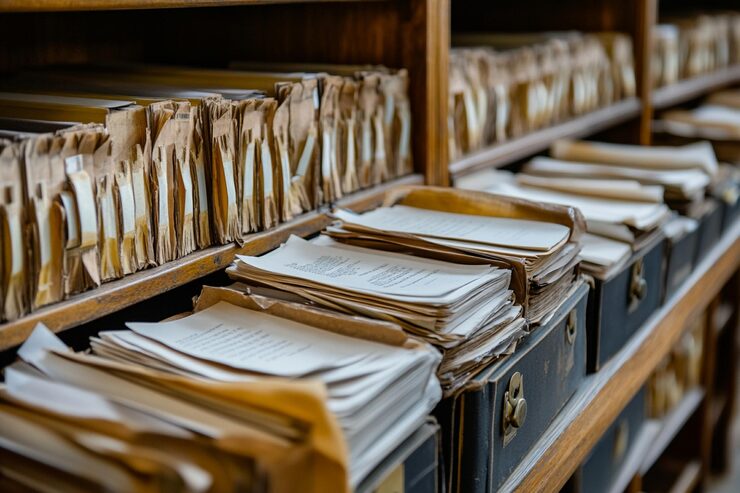
Digitize observations, locality descriptions, specimen notes, and chronological entries recorded away from a desk. Review coordinates, identifiers, measurements, and specialist vocabulary carefully.
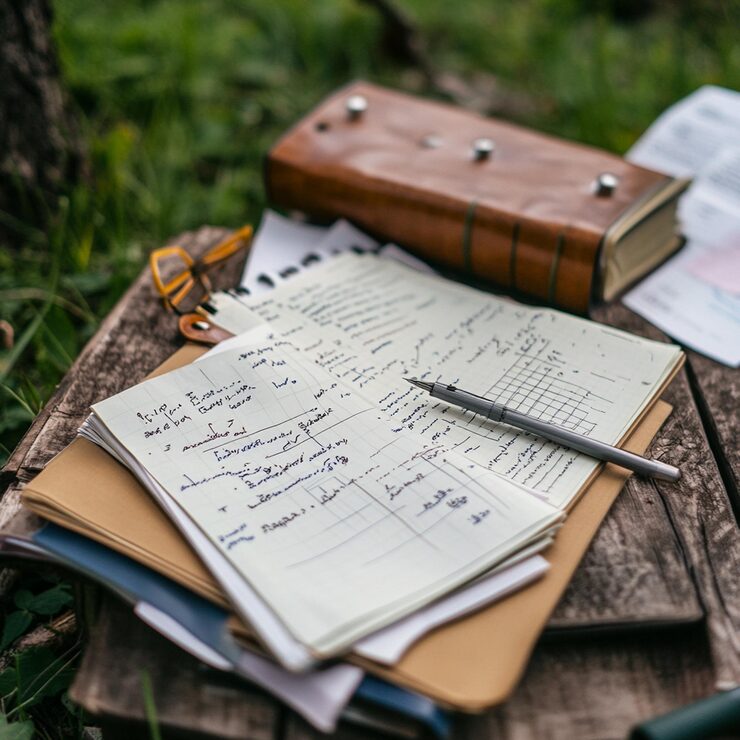
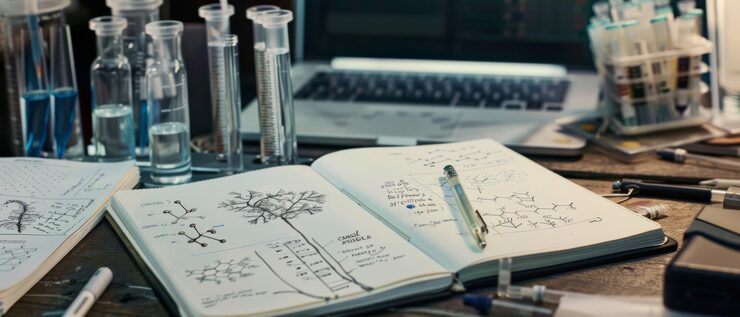
Make experimental notes, working assumptions, and project observations searchable alongside digital records. The transcription can support discovery while the notebook remains the source of record.
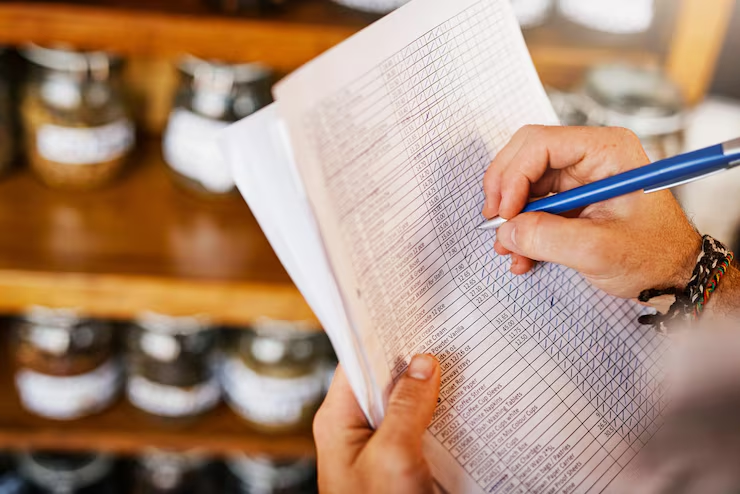
Extract names and entries from handwritten tables, catalogs, and registers. Review the original row and column structure before turning the result into a dataset or coded record.
Create a first pass quickly, then apply careful scholarly review.
Add an archive image, scan, photograph, or PDF containing the handwritten material.
Cursive Reader analyzes the page and produces a transcription you can work with digitally.
Compare the draft with the source and confirm names, dates, terminology, and uncertain readings.
Useful across archival, historical, qualitative, scientific, and local research projects.
Create searchable drafts from manuscripts, correspondence, registers, and institutional records.
Digitize handwritten interview notes before coding, comparison, or follow-up analysis.
Convert observations, site notes, and chronological records into reusable text.
Work through letters and personal papers while preserving page-level context.
Make handwritten working notes easier to search alongside digital project records.
Help libraries, societies, and community projects create accessible transcription drafts.
The generated text is a working layer for search and analysis. Claims and citations should remain grounded in the original source.
Common questions about using OCR in a research workflow.
Upload a scan, image, or PDF and begin reviewing the transcription alongside the original.