Every page has a different structure
Meeting notes, forms, checklists, and field records mix free text with boxes, columns, labels, and annotations.
Upload meeting notes, client records, forms, field observations, or work logs and convert them into editable text. Reduce manual retyping while keeping important details ready to review, share, and reuse.
The information may be useful, but inconsistent layouts and manual retyping make it difficult to move into the tools a team already uses.
Meeting notes, forms, checklists, and field records mix free text with boxes, columns, labels, and annotations.
Documents may be photographed at a job site, scanned in batches, or written quickly during a conversation or inspection.
Names, dates, amounts, measurements, identifiers, and action owners cannot be accepted without checking the original page.
Capture handwritten information and move it into a searchable, editable workflow.

Use a phone photo, scan, screenshot, or PDF to digitize handwritten material from the office or the field.

Process connected cursive, printed handwriting, quick notes, and pages that combine several writing styles.
Keep longer meeting records, inspections, and form sets together by uploading them as a PDF.
Copy or download the result as TXT, Markdown, Word, or Excel for review and follow-up work.
Create editable drafts from meeting notes, paper forms, field observations, and working logs before moving them into the appropriate system.
Convert handwritten discussions into a draft that can be reorganized into decisions, questions, owners, and follow-up actions. Confirm names and commitments before sharing the result.

Extract visible handwriting from forms before entering it into another application. Field labels can provide context, but complex layouts may still need manual formatting and field-by-field review.
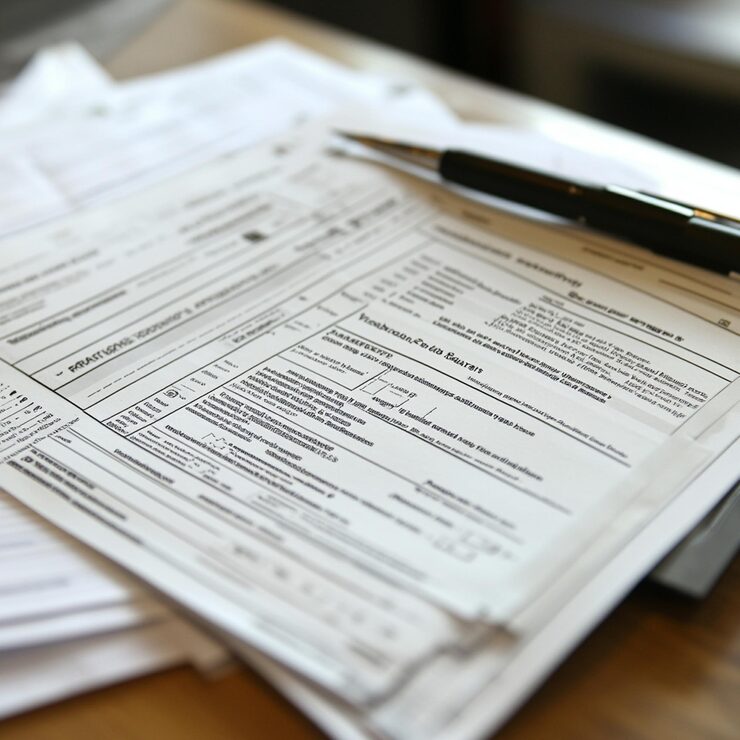
Digitize observations recorded away from a desk so they can be searched, summarized, or incorporated into a report. Check measurements, locations, and equipment identifiers against the source.

Create searchable drafts from chronological logs, maintenance notes, and technical notebooks. Keep page dates and document owners attached so colleagues can return to the original record.
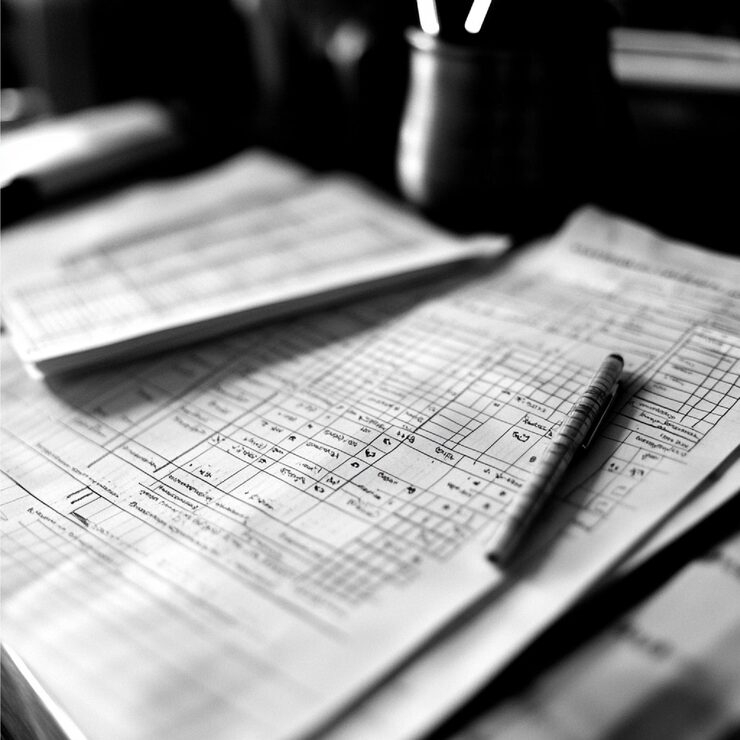
Digitize everyday work documents in three straightforward steps.
Add a clear photo, scan, screenshot, or PDF containing the handwritten information.
Cursive Reader processes the page and generates editable text for your review.
Confirm names, numbers, and specialist terms, then copy or export the text into your preferred tool.
Useful wherever handwritten information needs to become accessible digital text.
Turn handwritten discussions and action items into text that can be shared with a team.
Digitize handwritten appointment and consultation notes for easier review and follow-up.
Create editable drafts from handwritten forms before entering information into another system.
Convert observations recorded away from a desk into organized digital text.
Make handwritten operational records easier to search, summarize, and archive.
Capture notebook and whiteboard ideas so they can continue in digital planning tools.
The tool can prepare editable text. The team remains responsible for accuracy, approvals, record handling, and the final destination of the information.
Common questions about converting handwritten work documents.
Upload a work note, form, or record and create an editable version ready for review.