No fixed letter shapes
Printed OCR relies on consistent, predictable letterforms. Handwriting's natural variation makes basic character matching unreliable.
Handwriting OCR recognizes writing that standard printed-text OCR often misses. Upload a handwritten image, form, scan, or PDF and turn the visible writing into editable, searchable text.
Handwriting isn't a standardized font. Each person forms letters uniquely, connects strokes differently, and spaces words in their own way.
Printed OCR relies on consistent, predictable letterforms. Handwriting's natural variation makes basic character matching unreliable.
Letters often touch, overlap, or blend together, especially in cursive handwriting. This makes cleanly separating words and characters far more difficult.
Photos, scans, shadows, faded ink, paper texture, and page distortion can all lower the accuracy of handwritten text recognition.
From paper forms to math notes, Handwriting OCR pulls handwritten content from images, scans, and PDFs so you can edit, search, export, or repurpose it.
Capture names, dates, addresses, comments and other handwritten entries from paper forms or structured documents. Handwriting OCR cuts down on manual typing when information is filled in by hand.
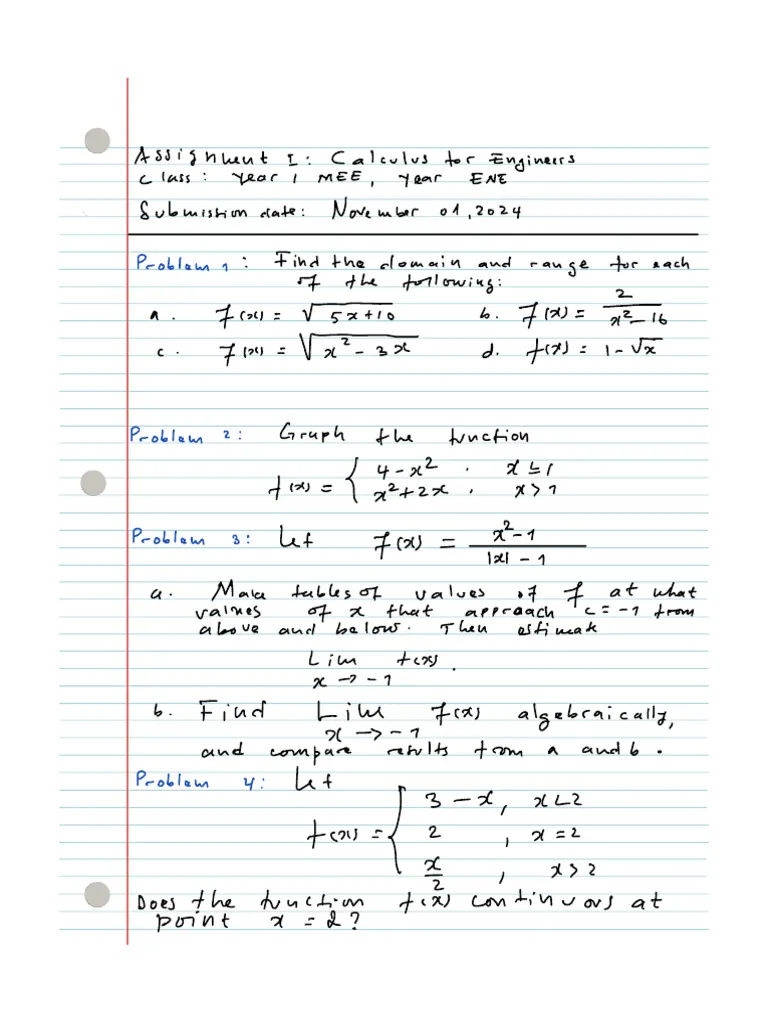
Upload a photo or scan of handwritten equations, formulas, or math notes to turn them into LaTeX-ready text. This is ideal for students, teachers, researchers, and anyone looking to reuse handwritten math in digital documents.
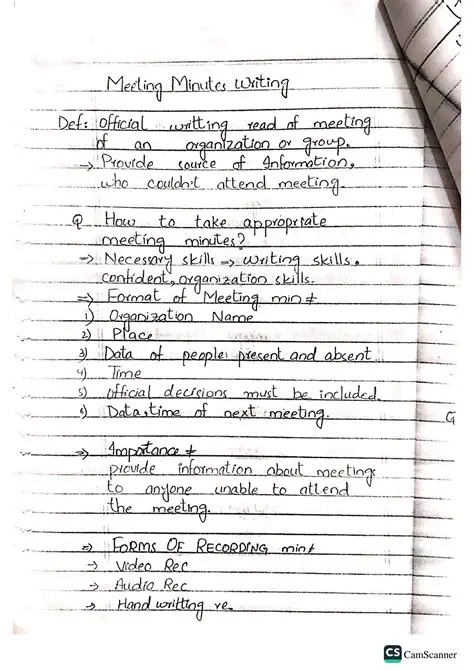
Turn handwritten meeting pages, study notes, action items and whiteboard-style notes into editable text that can be cleaned up, shared, archived or added to your workflow.
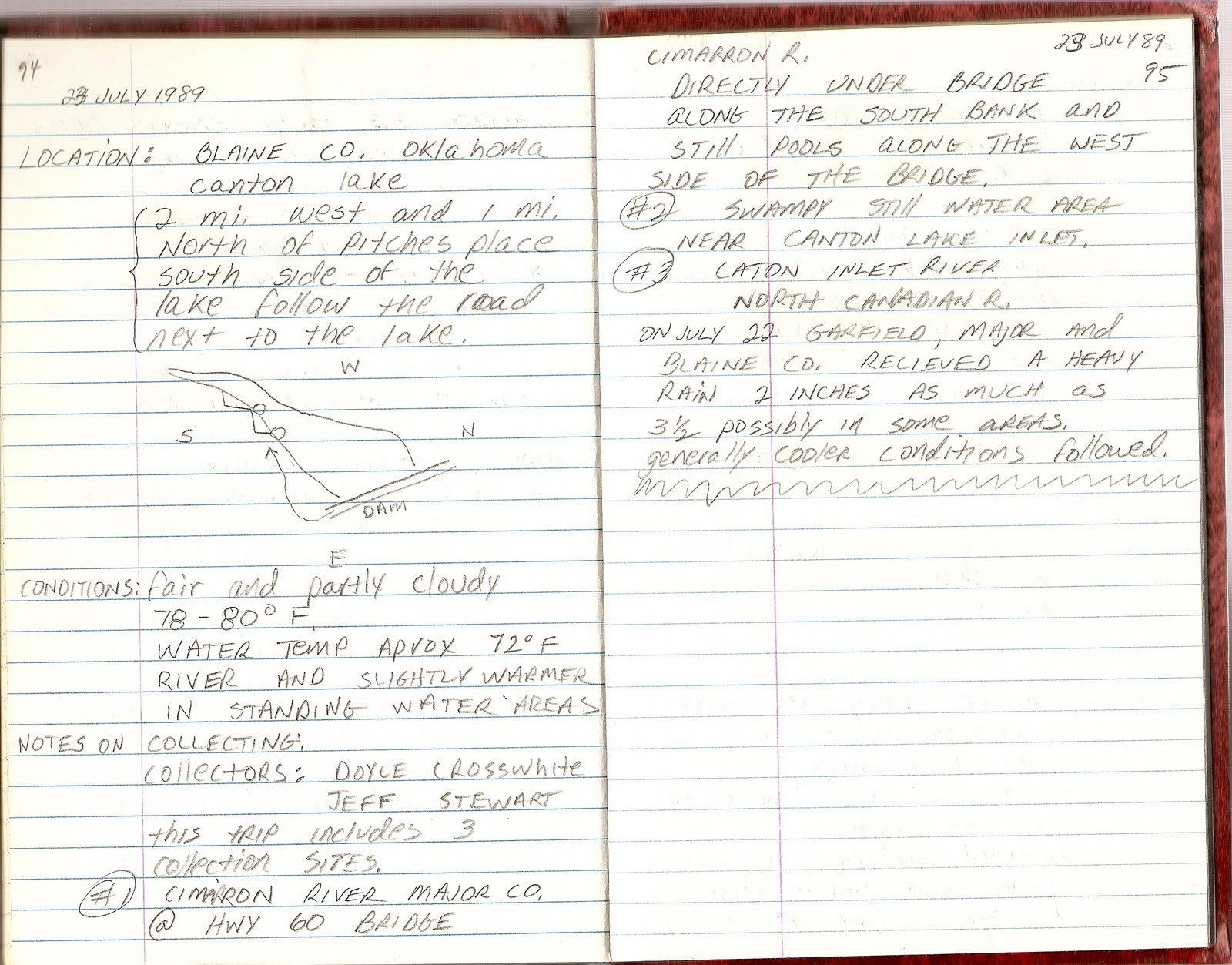
Turn handwritten interview notes, field notes, lab notes and observation pages into searchable digital text. This simplifies reviewing findings, quoting details and reusing handwritten research down the line.
Convert handwritten content to digital text in three straightforward steps.
Add a JPG, PNG, WEBP, HEIC, or PDF file that contains handwritten text, such as a note, form, scan, or document page.
Our AI analyzes the page and converts visible handwriting into digital text that is easier to edit and reuse.
Check the extracted text, make corrections if needed, then copy it or download the result in your preferred format.
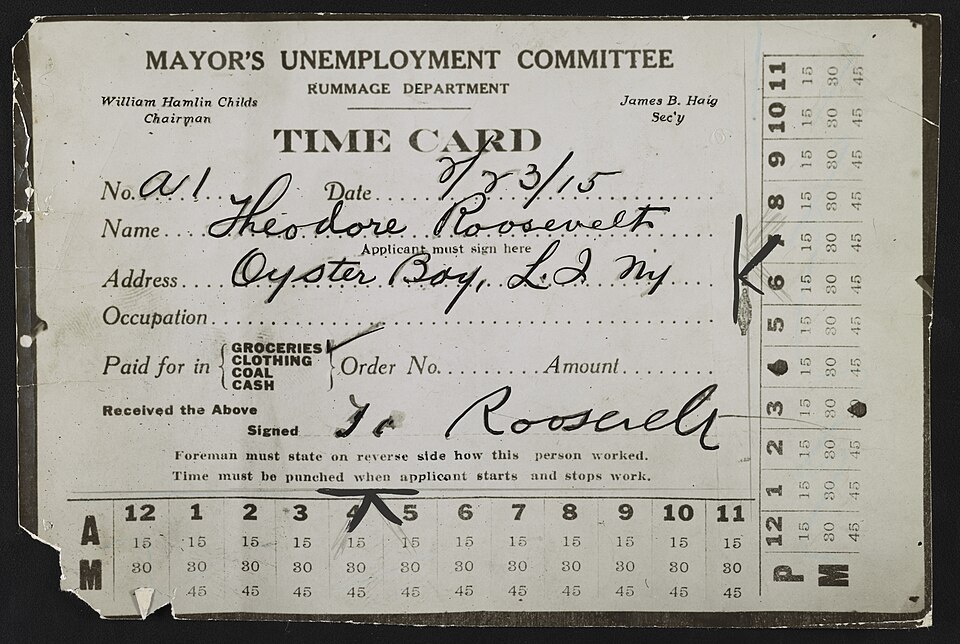
Compare the original handwritten sample with the recognized text output.
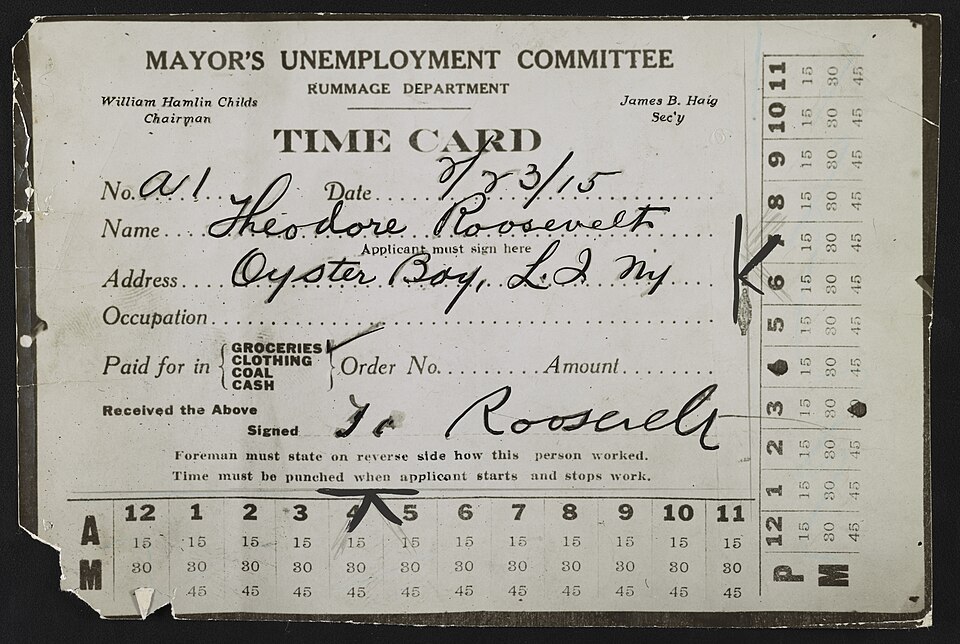
MAYOR'S UNEMPLOYMENT COMMITTEE
RUMMAGE DEPARTMENT
William Hamlin Childs, Chairman
James B. Haig, Sec'y
TIME CARD
No. A1
Date 7/23/15
Name Theodore Roosevelt
(Applicant must sign here)
Address Oyster Bay, L.I. N.Y.
Occupation ________________
Paid for in
GROCERIES
CLOTHING
COAL
CASH
Order No. _______ Amount _______
Received the Above
Signed T. Roosevelt
Foreman must state on reverse side how this person worked.
Time must be punched when applicant starts and stops work.
Standard OCR and handwriting OCR tackle distinct tasks. Pick the right tool based on your document type.
“I had a box of my grandma's old letters I could barely read. This tool turned them into text I could understand and share with my family.”
“I use it to transcribe 19th-century archive documents. It saves me so much time compared to typing everything out by hand.”
“My professor writes all lectures in cursive on the whiteboard. I snap a photo and get clean typed notes in seconds.”
Handwriting OCR empowers students, professionals and teams to transform handwritten documents into searchable, editable text.
Turn handwritten class notes, study guides and lecture pages into organized digital text for quick searching.
Convert handwritten meeting notes, project plans and work logs into editable text that can be stored in digital archives.
Pull key details like names, dates, addresses and comments from handwritten fields on forms for streamlined digital record-keeping.
Common questions about our handwriting OCR tool.
Upload a handwritten image or PDF and extract the text into a format that is easier to edit, search, and reuse.