
Read Cursive in Your Browser
Use Cursive Reader online to work with cursive handwriting from photos, scans, and PDFs. Upload a file and get clear typed text that is easier to review, copy, and share.
Made for reading cursive online
Cursive Reader works directly in your browser, so you can process handwritten pages without installing anything.
Browser based workflow
Turn cursive handwriting into plain, easy to read text. No more squinting at connected script, just clear printed words.
Works with common file types
Great for tricky handwriting. If you can technically decipher it but it still takes forever, this makes the process faster.
Clear text output
Works with images and PDFs. Snap a photo, scan a page, grab a screenshot, or upload a handwritten PDF. Everything fits into one simple workflow.
Ready on any device
Easy to use and export. You can copy the resulting text right into documents, notes, spreadsheets, wherever you need it.
How It Works
Use Cursive Reader online in three simple steps.
Upload your file
Upload a handwritten page. Just add an image or PDF of cursive writing. The tool accepts JPG, PNG, WEBP, HEIC, and PDF.
Process the handwriting
Get printed text. It processes the handwriting and spits out clear, typed words that are way easier to read.
Review and export
Review and export. Copy, tweak, or download your result as TXT, Markdown, Word, or Excel.
Where an Online Reader Helps Most
Useful when you want a fast browser based way to work with cursive pages from almost any device.

Written keepsakes
Old letters and journals are much easier to revisit when the handwriting is transformed into clean text.

Course materials
Handwritten notes are easier to study once they're in a tidy format you can scan or organize quickly.

Team documentation
Work notes become more useful and less confusing when they're cleaned up and shared as printed text.

Everyday paperwork
Forms and receipts are easier to reuse when handwritten details are captured as plain text, no need to retype everything.
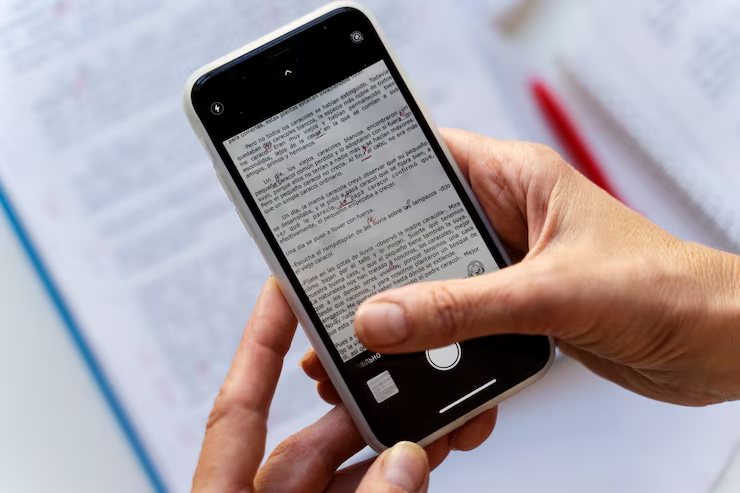
Photo snapshots
Pictures of cursive pages are way more practical if you can instantly extract readable text.
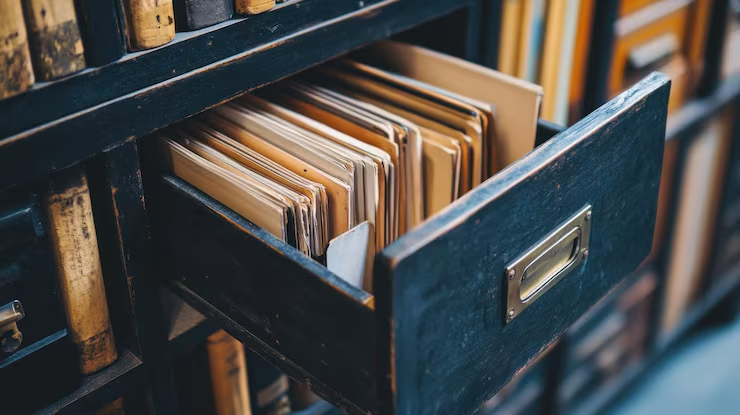
Preserved records
Storing old handwritten pages as easy to read printed text makes them simpler to search and review anytime.
Tips for using Cursive Reader online
A few simple preparation steps can make the browser based workflow smoother and improve output quality.
- High contrast between ink and paper usually makes the text clearer.
- Make sure all the lines are in the frame, don’t cut off handwriting.
- Use good lighting to cut down on noise and fuzziness in the result.
- The neater and more evenly spaced the handwriting, the better the output.
- If you have several pages, put them together as one PDF before uploading.
Frequently Asked Questions
Common questions about using Cursive Reader online.
Use Cursive Reader online in a few simple steps.
Upload a photo, scan, or PDF and get a clear typed version of your handwritten content.