
Remove Handwriting from Images and PDFs
Clean up notes, marks, and handwritten annotations in seconds. Upload a file and generate a cleaner version without rebuilding the page from scratch.
Features
Remove handwritten notes without rewriting the page
Erase handwritten annotations while preserving the surrounding document layout, printed text, and overall structure as closely as possible.
Works with images and PDF pages
Upload JPG, PNG, WEBP, HEIC, or PDF files. PDF pages are converted into images and processed page by page inside the same workflow.
Basic and advanced processing modes
Choose a lower-cost basic mode for simple cleanup or an advanced mode when the handwriting is denser and image restoration quality matters more.
Download clean image results
Preview the processed output inside the dialog and download the cleaned image once generation is complete.
How It Works
Upload an image or PDF
Add one or more files to the playground. If you upload a PDF, each page is prepared automatically before processing begins.
Choose a model and process
Pick the model that fits your quality and credit needs, then start processing after the credit check passes.
Review and download the result
Open the generated result in the dialog, move between pages if needed, and download the cleaned image.
Use Cases
Remove handwriting from files before sharing, archiving, or reusing them in other workflows.
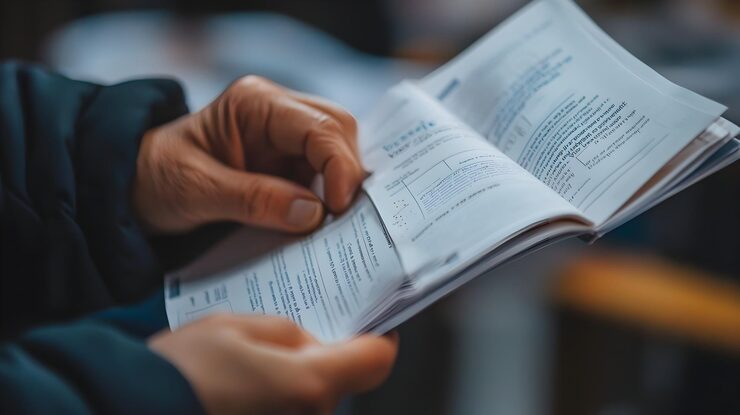
Clean up annotated scanned documents
Remove handwritten comments from scanned pages before sending documents to teammates, clients, or students.

Prepare study materials for reuse
Turn marked-up worksheets or notes into cleaner source material you can print, store, or process again later.
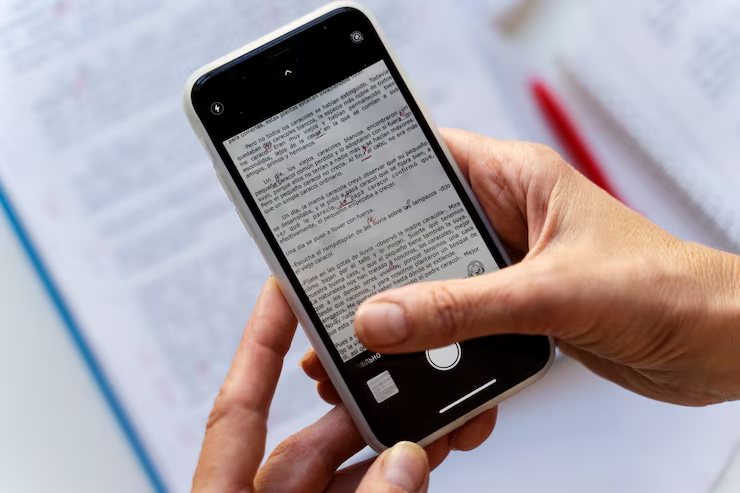
Restore forms and printed pages
Clear handwriting from forms, labels, or reference sheets while keeping the original printed content visible.
Frequently Asked Questions
Common questions about Remove Handwriting
Ready to remove handwriting?
Upload a file, clean up handwritten annotations, and download the generated result in a few steps.