
Convert Cursive to Text in Seconds
Turn cursive writing into editable text from images, scans, and PDFs. Cursive Reader helps you convert handwritten script into clear digital text you can copy, edit, and export.
Convert cursive to editable text
Cursive Reader processes connected handwriting and generates clean readable output from any uploaded image or PDF.
Cursive handwriting OCR
Built to recognize connected cursive script and everyday handwritten pages from a variety of sources.
Fast online conversion
Upload your file, process it, and get readable typed text in one simple browser-based workflow.
Clear reading order
Converted text is organized for readability so you spend less time cleaning up the output.
Flexible export options
Export as TXT, Markdown, Word, or Excel depending on how you plan to use the result.
How It Works
Convert cursive writing to editable text in three simple steps.
Upload a file
Add an image or PDF that contains cursive writing. Supported formats include JPG, PNG, WEBP, HEIC, and PDF.
Convert cursive to text
We detect the handwriting and generate a clean, editable text result from the uploaded file.
Copy or download
Review the converted text and export it as TXT, Markdown, Word, or Excel.
Common Cursive to Text Conversions
Convert all kinds of handwritten cursive content into digital text for storage, study, and work.

Handwritten letters
Convert cursive letters into editable digital text you can store, search, copy, and share.

Journal pages
Digitize journal entries and personal writing into plain or formatted text for archiving.
Class notes
Reuse handwritten class notes by converting them into digital documents, study outlines, or Markdown.
Work and meeting notes
Save handwritten work notes and meeting records into searchable digital files for easier reference.

Archived handwritten records
Convert historical or archived handwritten records into text for research, preservation, or sharing.
Research and academic projects
Convert handwritten research notes, fieldwork jottings, and academic writing into structured digital text.
Tips for cleaner cursive-to-text results
A few simple steps before uploading can make a meaningful difference in the quality of the converted text.
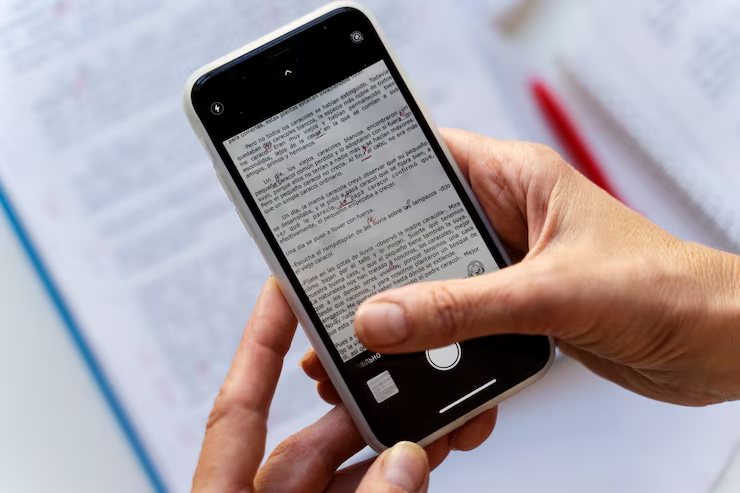
- Use a clear, focused image — avoid shaky or out-of-focus captures
- Uniform lighting without shadows gives the best recognition results
- Make sure the entire page is visible and nothing is cropped at the edges
- For longer documents, upload as a PDF to process all pages in one workflow
- Higher contrast between the writing and the background paper usually helps
Frequently Asked Questions
Common questions about converting cursive to text online.
Convert cursive writing into editable text online.
Upload a photo, scan, or PDF and turn cursive handwriting into typed text you can copy and export.